Hotel Lobby, an itinerary from arrival to lounge
Warm lamps. Sheen rolled off. Brass, not orange.
Hotel Lobby warms a lamp-lit interior, rolls the sheen off the marble and the shades, and lifts the toe so the seating never falls to black. One tap in the free Lightroom app on iPhone and Android, or in Lightroom Classic.
For hospitality and hotel photographers, and anyone photographing a room lit by lamps after dark.
- Works in the free Lightroom app
- Lightroom Classic and desktop too
- Instant download
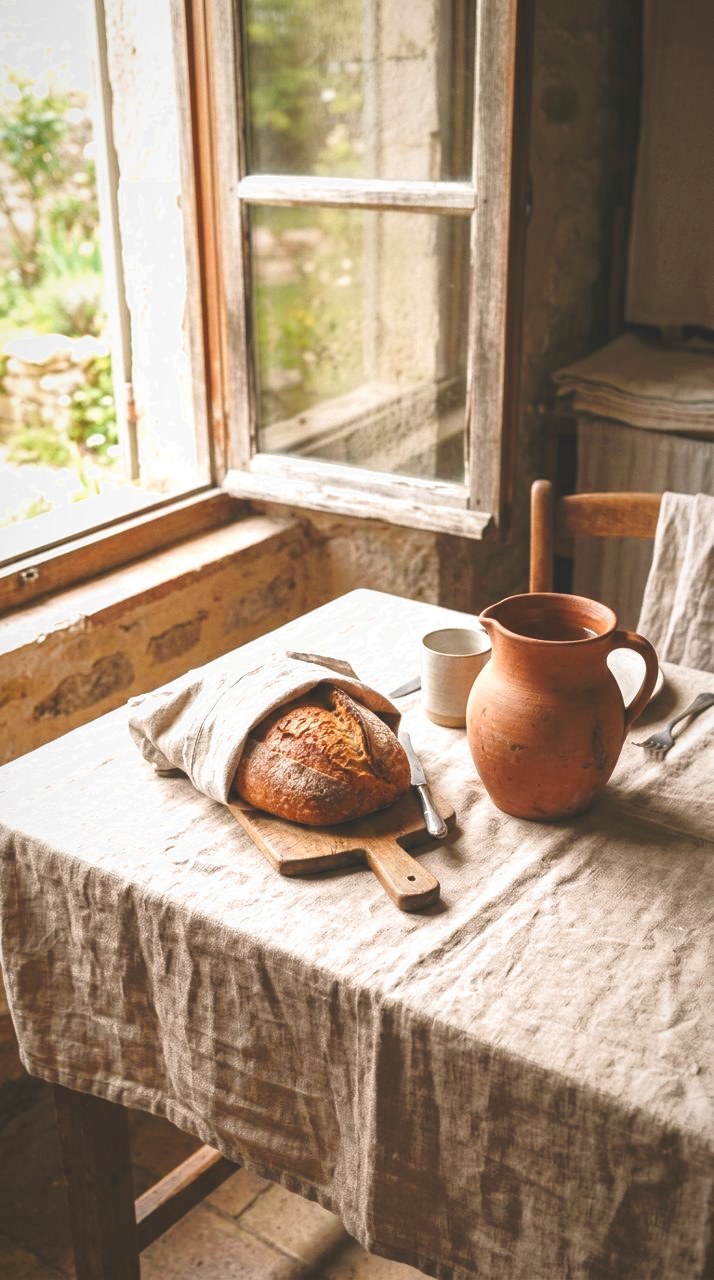
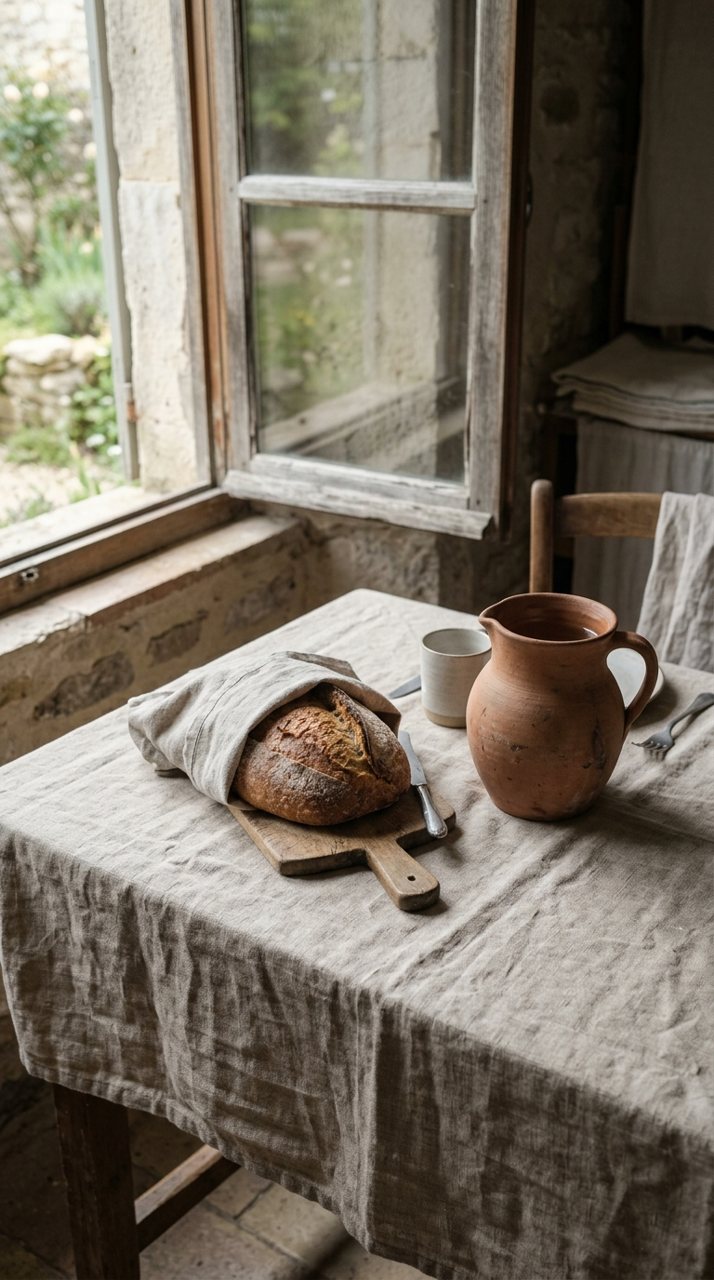
see it
Where you stood
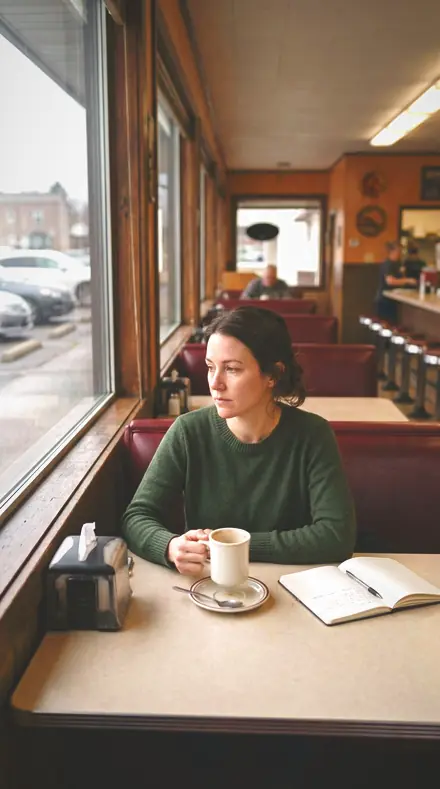
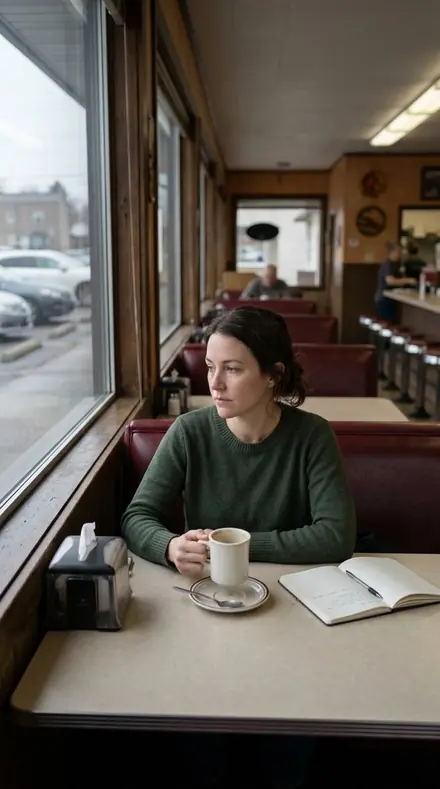
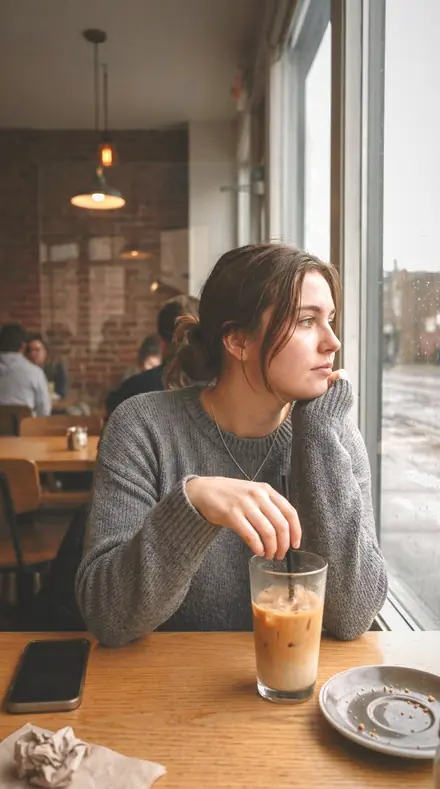
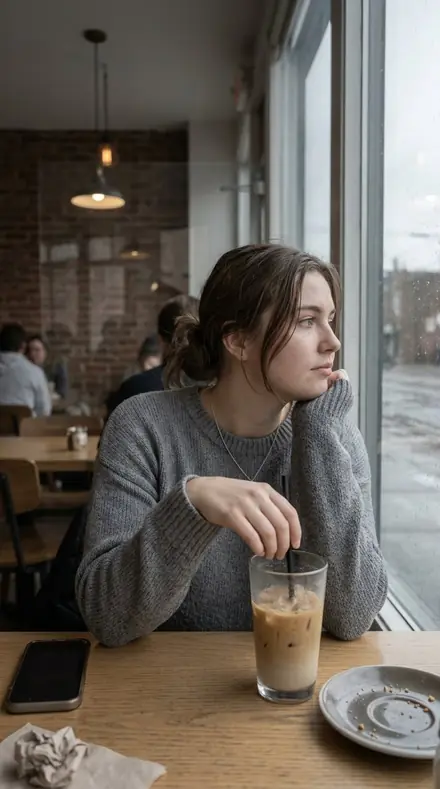
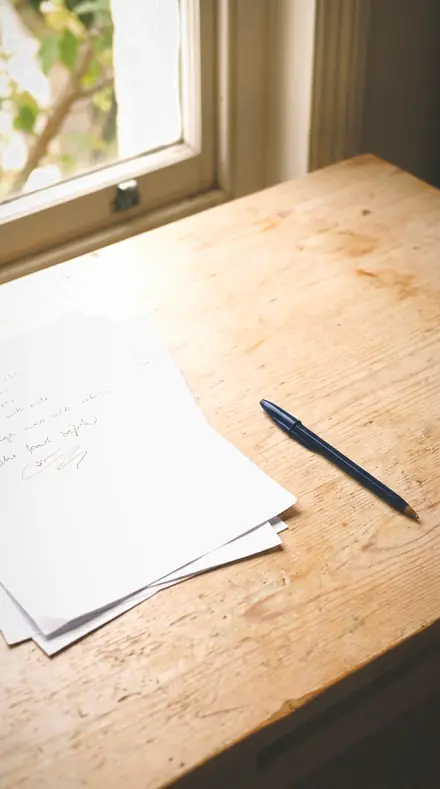
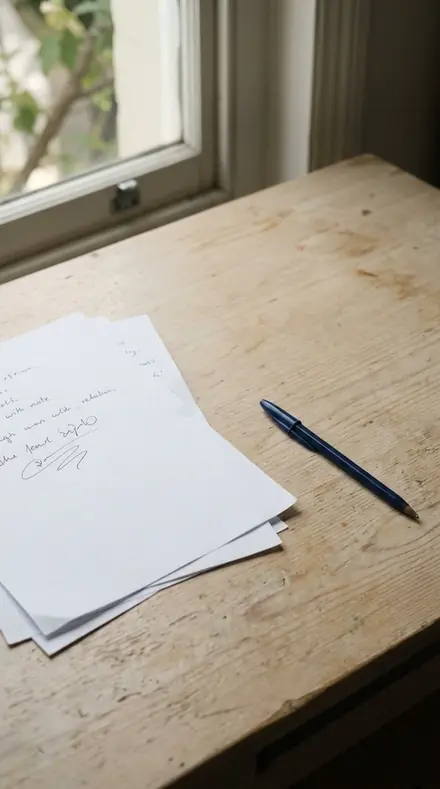
A lobby photographs badly by default. Lamps blow out, marble throws a glare, and everything behind the front row of seating drops to black. Each preset here is one fix for one part of that: white balance warmed toward the lamps, the specular rolled off the shade or the stone, and the toe lifted so the back of the room stays in the picture.
The itinerary runs the way a guest does. Arrival starts at the hall and the atrium, takes in the reception marble and the concierge desk, and stops at the bell desk and the elevator doors, where mixed light and polished metal need the most care. The Lounge is the seating: upholstery kept in its weave, velvet kept soft, a corner lamp with the shade held and the corners darkened to keep the eye in.
Surfaces and Evening finish the stay. Brass Kickplate gives the metal its own weight in the orange band while the rest of the room stays quiet. Marble Floor and Stone Vein ease the clarity so the stone reads smooth and the cream stays cream. Chandelier Glow, Lobby Evening and Lobby Bar are the room after dark.
Apply one, then walk the frame from front to back. Nothing at the back should close off.
the itinerary
The Itinerary
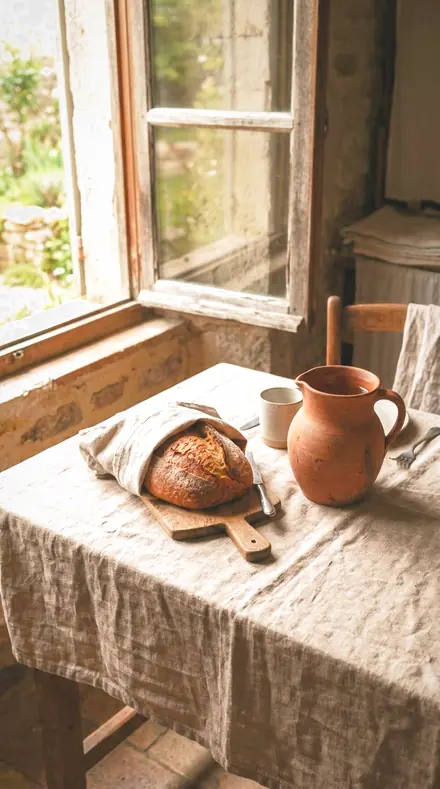
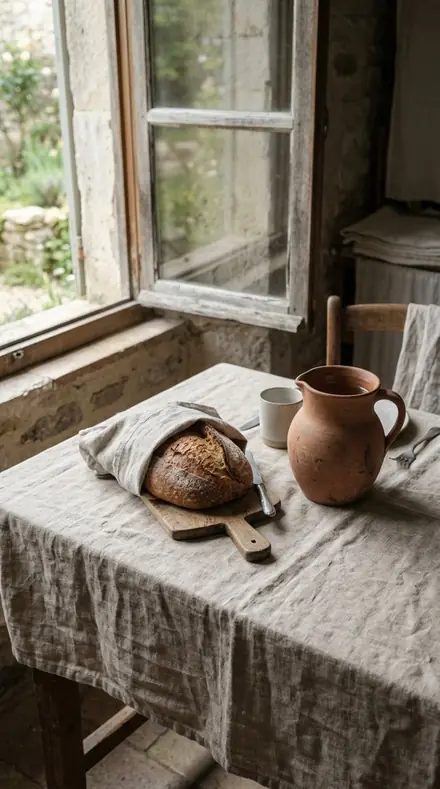
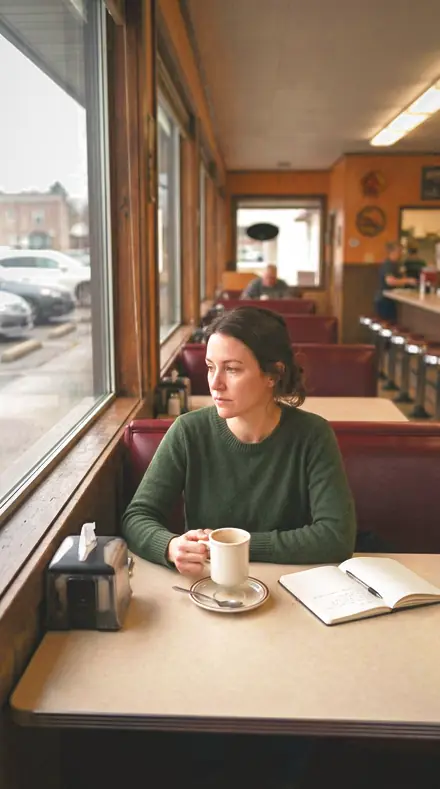
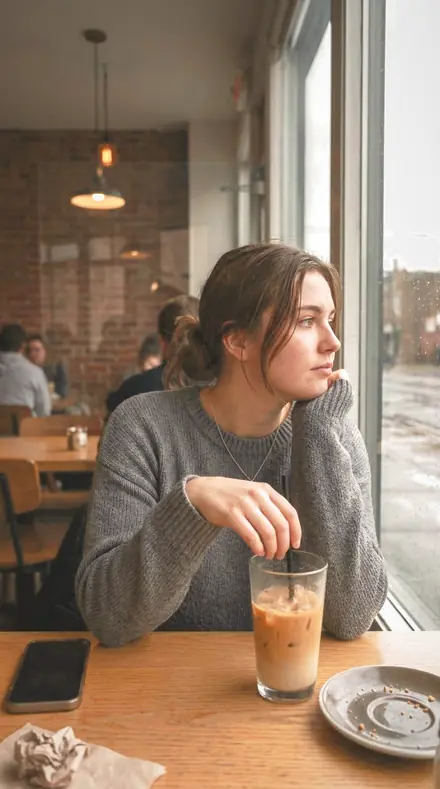
Each stop is one part of the building. Every preset is shown on the same lamp-lit rooms.
Arrival
6 presetsHall, atrium, reception, concierge, bell desk, elevator doors. Mixed light and polished metal, handled first.
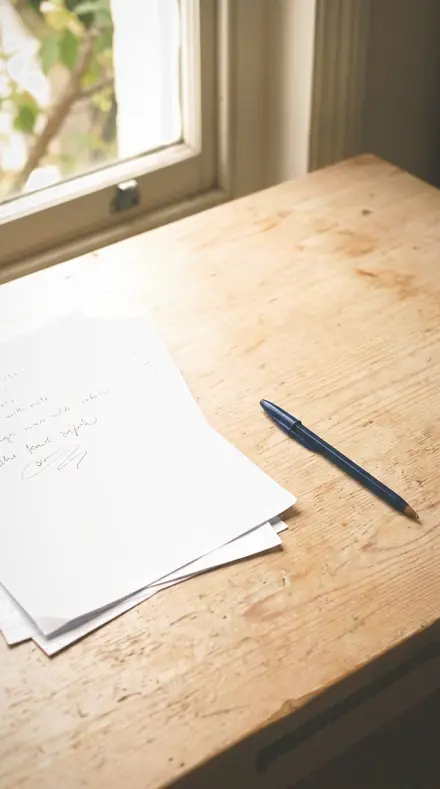
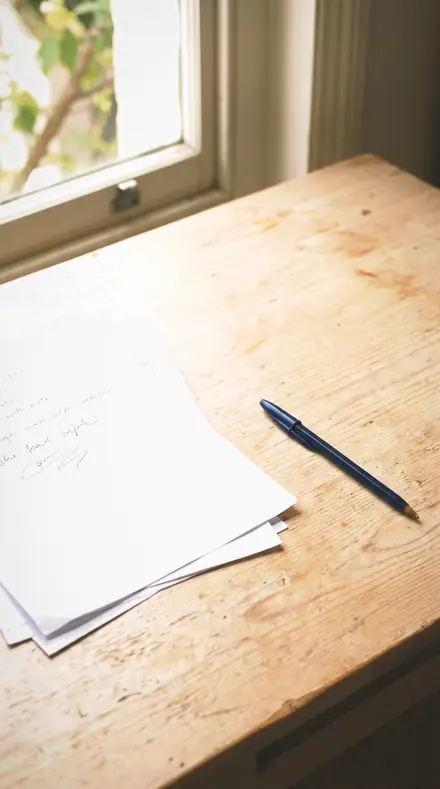
day 04Concierge Deska desk lit by table lamps, warmed on white balance with the lamp highlights rolled off and daylight from the doors taken down in the blue band
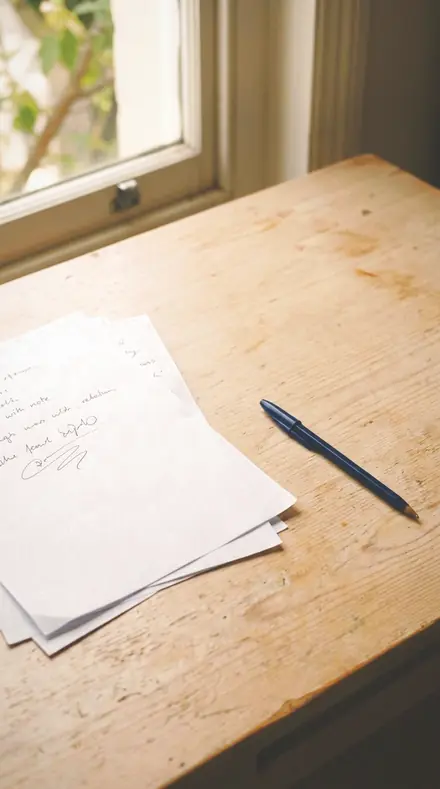
![Concierge Desk applied to The table, warmed and settled]()
![Before: The table, warmed and settled]()
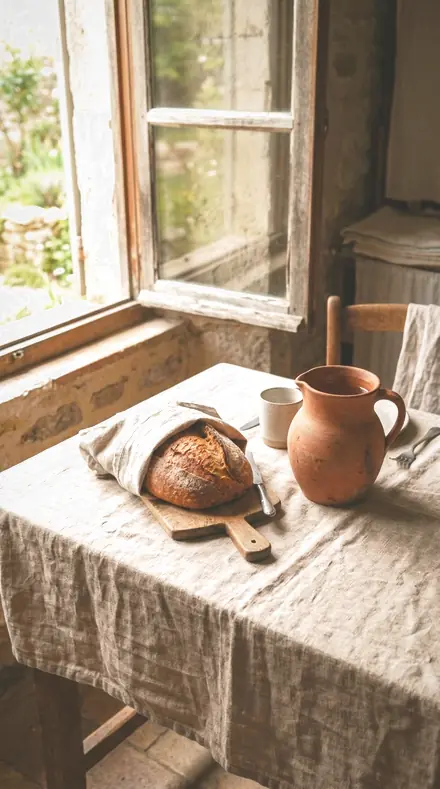
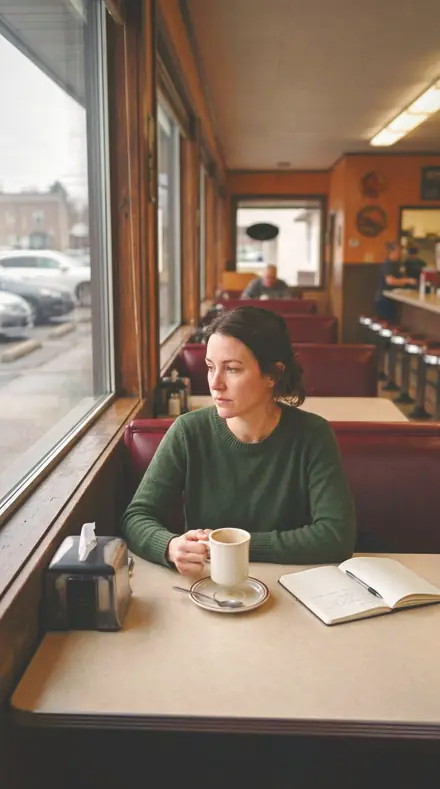
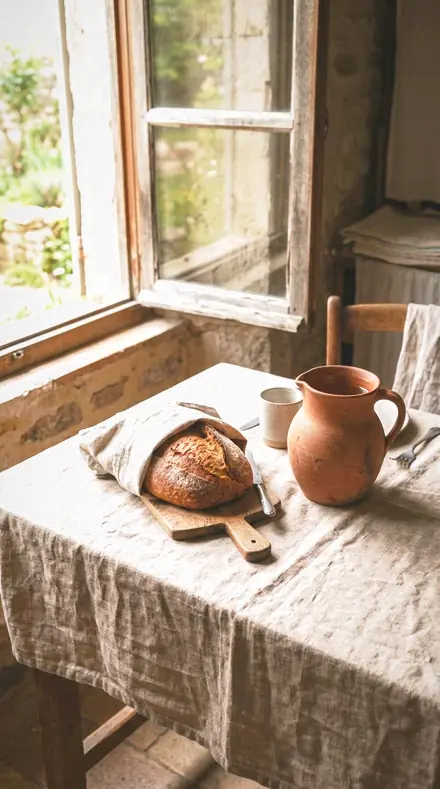
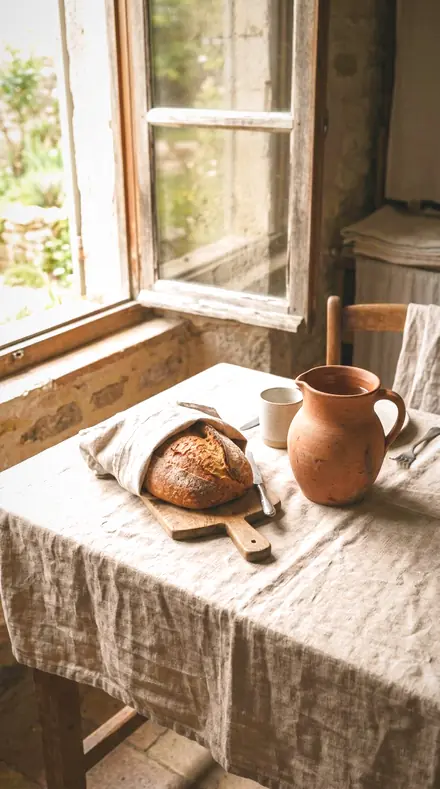
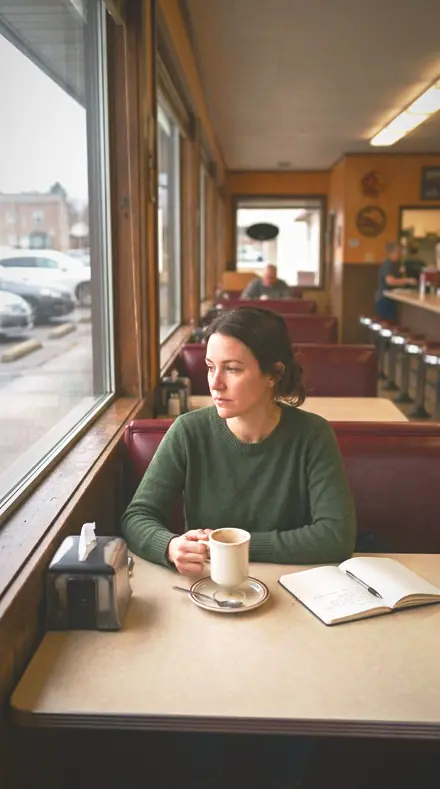
The table, warmed and settled ![Concierge Desk applied to The booth, sheen off the glass]()
![Before: The booth, sheen off the glass]()
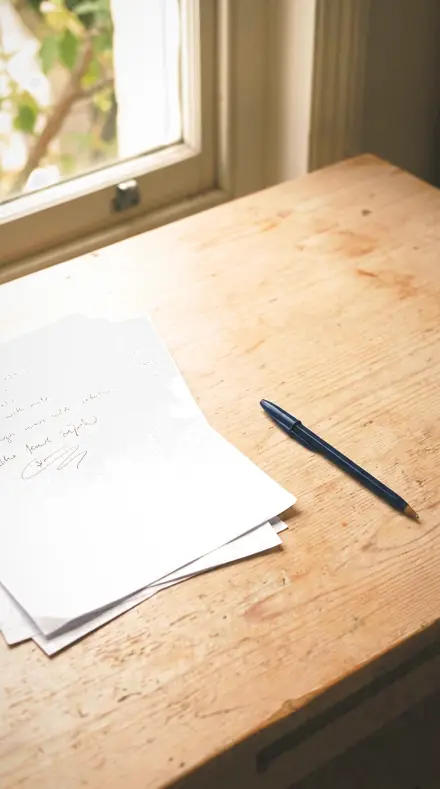
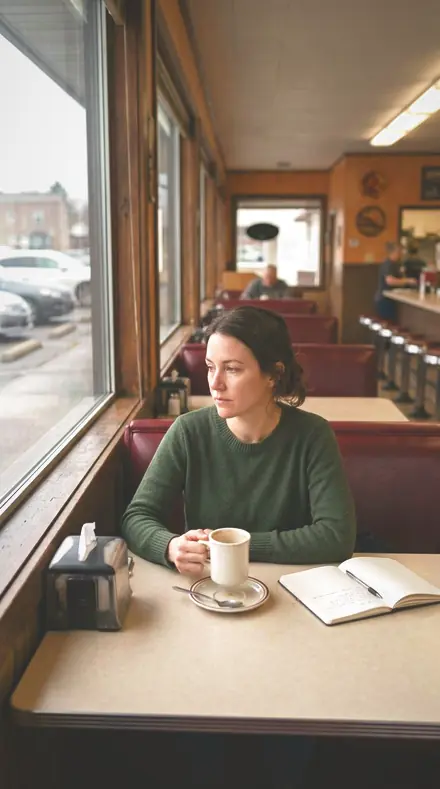
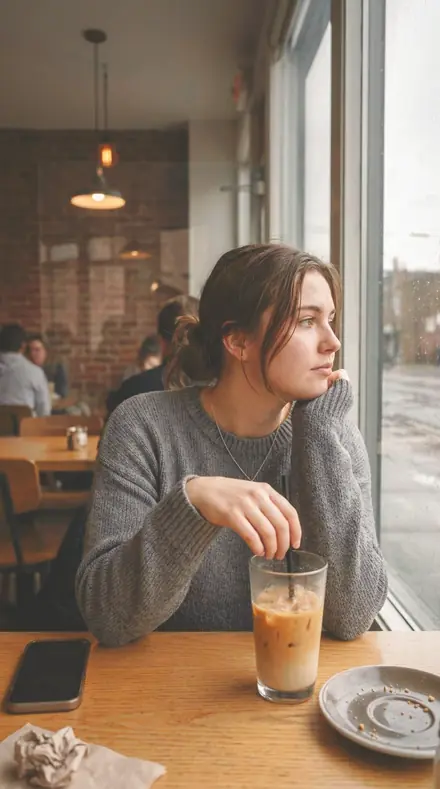
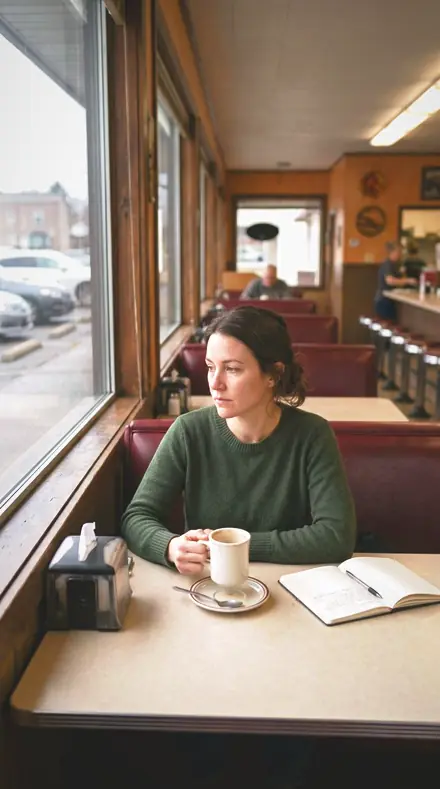
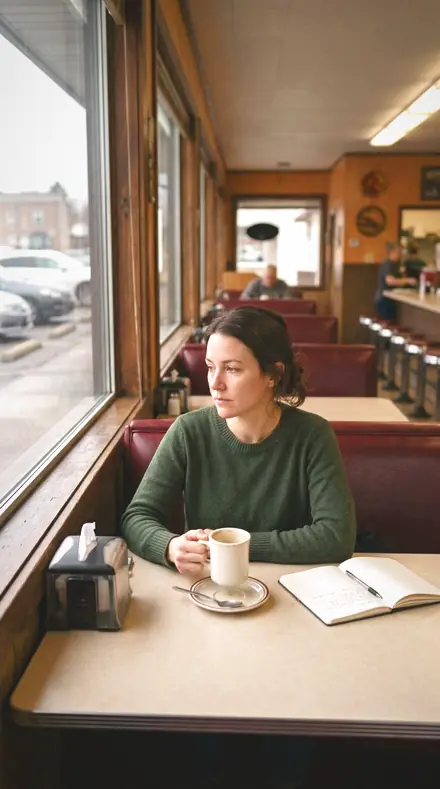
The booth, sheen off the glass ![Concierge Desk applied to Daylight and lamps in one room]()
![Before: Daylight and lamps in one room]()
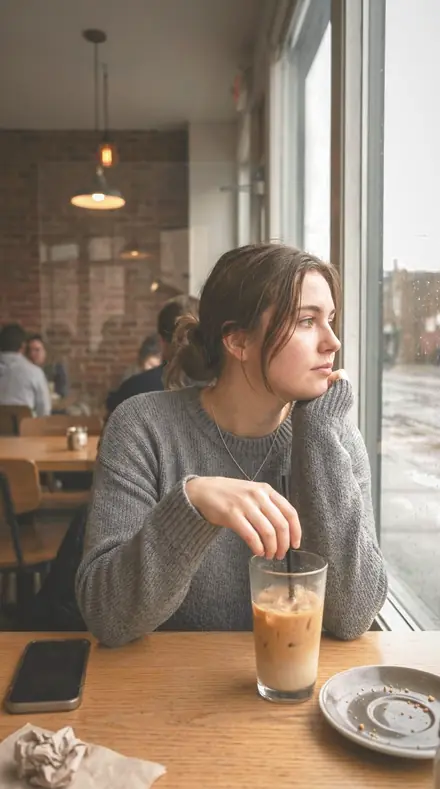
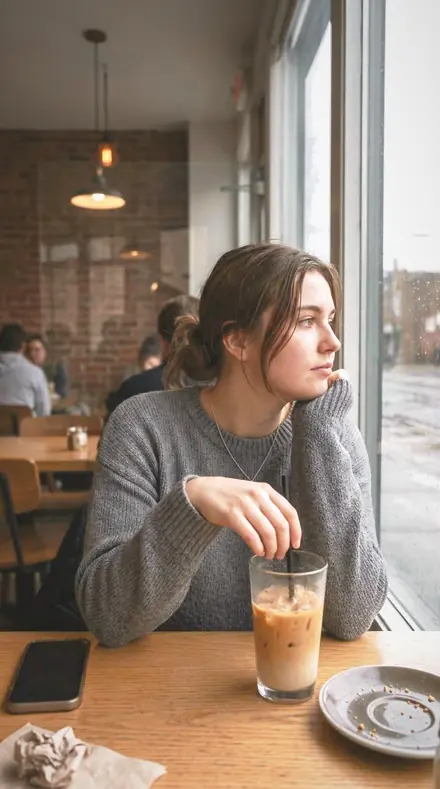
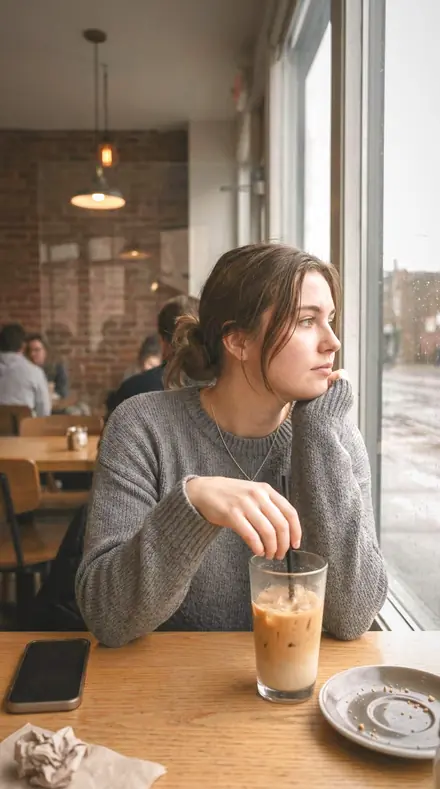
Daylight and lamps in one room ![Concierge Desk applied to The desk, brass kept brass]()
![Before: The desk, brass kept brass]()
The desk, brass kept brass Drag the handle. Left is the original, right is Concierge Desk. Rendered from the preset's own settings, not a Lightroom export, so the real thing carries a little more bite.
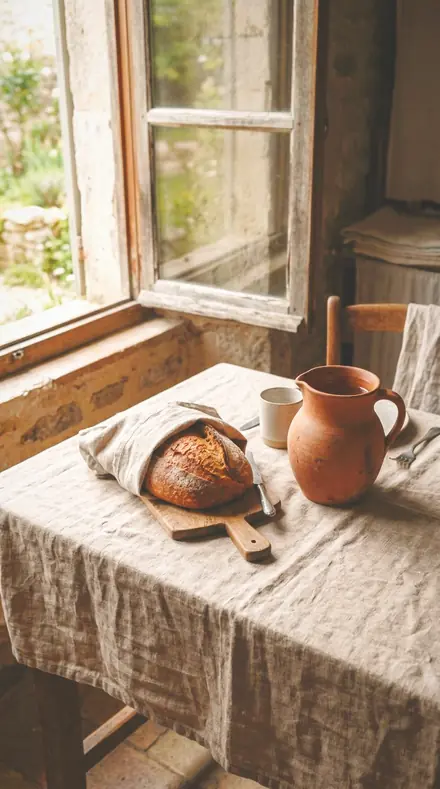
day 07Reception Marblethe reception counter warmed, stone sheen rolled off and the toe lifted so the front of house stays open and welcoming
![Reception Marble applied to The table, warmed and settled]()
![Before: The table, warmed and settled]()
The table, warmed and settled ![Reception Marble applied to The booth, sheen off the glass]()
![Before: The booth, sheen off the glass]()
The booth, sheen off the glass ![Reception Marble applied to Daylight and lamps in one room]()
![Before: Daylight and lamps in one room]()
Daylight and lamps in one room ![Reception Marble applied to The desk, brass kept brass]()
![Before: The desk, brass kept brass]()
The desk, brass kept brass Drag the handle. Left is the original, right is Reception Marble. Rendered from the preset's own settings, not a Lightroom export, so the real thing carries a little more bite.
day 08Atrium Warma tall atrium warmed on white balance, the cool skylight band taken down in luminance so the lamplight leads the room
![Atrium Warm applied to The table, warmed and settled]()
![Before: The table, warmed and settled]()
The table, warmed and settled ![Atrium Warm applied to The booth, sheen off the glass]()
![Before: The booth, sheen off the glass]()
The booth, sheen off the glass ![Atrium Warm applied to Daylight and lamps in one room]()
![Before: Daylight and lamps in one room]()
Daylight and lamps in one room ![Atrium Warm applied to The desk, brass kept brass]()
![Before: The desk, brass kept brass]()
The desk, brass kept brass Drag the handle. Left is the original, right is Atrium Warm. Rendered from the preset's own settings, not a Lightroom export, so the real thing carries a little more bite.
day 11Bell Deska luggage desk in mixed light, warmed overall and desaturated globally so the brass and the leather do the colour work
![Bell Desk applied to The table, warmed and settled]()
![Before: The table, warmed and settled]()
The table, warmed and settled ![Bell Desk applied to The booth, sheen off the glass]()
![Before: The booth, sheen off the glass]()
The booth, sheen off the glass ![Bell Desk applied to Daylight and lamps in one room]()
![Before: Daylight and lamps in one room]()
Daylight and lamps in one room ![Bell Desk applied to The desk, brass kept brass]()
![Before: The desk, brass kept brass]()
The desk, brass kept brass Drag the handle. Left is the original, right is Bell Desk. Rendered from the preset's own settings, not a Lightroom export, so the real thing carries a little more bite.
day 14Elevator Lobbypolished doors and call buttons, warmed with the specular rolled off so the metal keeps its finish rather than blowing out
![Elevator Lobby applied to The table, warmed and settled]()
![Before: The table, warmed and settled]()
The table, warmed and settled ![Elevator Lobby applied to The booth, sheen off the glass]()
![Before: The booth, sheen off the glass]()
The booth, sheen off the glass ![Elevator Lobby applied to Daylight and lamps in one room]()
![Before: Daylight and lamps in one room]()
Daylight and lamps in one room ![Elevator Lobby applied to The desk, brass kept brass]()
![Before: The desk, brass kept brass]()
The desk, brass kept brass Drag the handle. Left is the original, right is Elevator Lobby. Rendered from the preset's own settings, not a Lightroom export, so the real thing carries a little more bite.
day 18Arrival Hallthe arrival hall warmed, shadows opened deep into the space and the toe lifted so nothing at the back closes off
![Arrival Hall applied to The table, warmed and settled]()
![Before: The table, warmed and settled]()
The table, warmed and settled ![Arrival Hall applied to The booth, sheen off the glass]()
![Before: The booth, sheen off the glass]()
The booth, sheen off the glass ![Arrival Hall applied to Daylight and lamps in one room]()
![Before: Daylight and lamps in one room]()
Daylight and lamps in one room ![Arrival Hall applied to The desk, brass kept brass]()
![Before: The desk, brass kept brass]()
The desk, brass kept brass Drag the handle. Left is the original, right is Arrival Hall. Rendered from the preset's own settings, not a Lightroom export, so the real thing carries a little more bite.
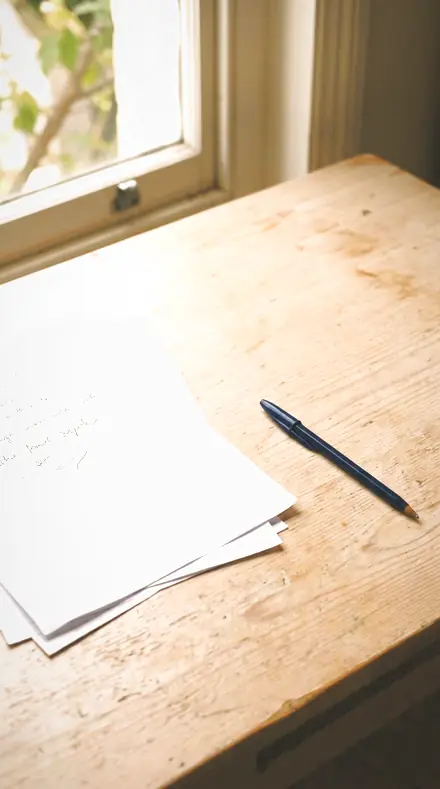
The Lounge
6 presetsThe seating. Upholstery in its weave, velvet kept soft, a corner lamp with the shade held.
day 01Lobby Warmththe room warmed on white balance, highlights rolled off the lamp shades and the toe lifted so the seating never falls to solid black
![Lobby Warmth applied to The table, warmed and settled]()
![Before: The table, warmed and settled]()
The table, warmed and settled ![Lobby Warmth applied to The booth, sheen off the glass]()
![Before: The booth, sheen off the glass]()
The booth, sheen off the glass ![Lobby Warmth applied to Daylight and lamps in one room]()
![Before: Daylight and lamps in one room]()
Daylight and lamps in one room ![Lobby Warmth applied to The desk, brass kept brass]()
![Before: The desk, brass kept brass]()
The desk, brass kept brass Drag the handle. Left is the original, right is Lobby Warmth. Rendered from the preset's own settings, not a Lightroom export, so the real thing carries a little more bite.
day 05Lounge Chairupholstery in lamplight, shadows opened into the seat and the toe lifted so the fabric keeps its weave instead of blocking up
![Lounge Chair applied to The table, warmed and settled]()
![Before: The table, warmed and settled]()
The table, warmed and settled ![Lounge Chair applied to The booth, sheen off the glass]()
![Before: The booth, sheen off the glass]()
The booth, sheen off the glass ![Lounge Chair applied to Daylight and lamps in one room]()
![Before: Daylight and lamps in one room]()
Daylight and lamps in one room ![Lounge Chair applied to The desk, brass kept brass]()
![Before: The desk, brass kept brass]()
The desk, brass kept brass Drag the handle. Left is the original, right is Lounge Chair. Rendered from the preset's own settings, not a Lightroom export, so the real thing carries a little more bite.
day 10Velvet Seatvelvet under warm light, clarity eased so the pile stays soft while the orange band keeps the fabric's colour
![Velvet Seat applied to The table, warmed and settled]()
![Before: The table, warmed and settled]()
The table, warmed and settled ![Velvet Seat applied to The booth, sheen off the glass]()
![Before: The booth, sheen off the glass]()
The booth, sheen off the glass ![Velvet Seat applied to Daylight and lamps in one room]()
![Before: Daylight and lamps in one room]()
Daylight and lamps in one room ![Velvet Seat applied to The desk, brass kept brass]()
![Before: The desk, brass kept brass]()
The desk, brass kept brass Drag the handle. Left is the original, right is Velvet Seat. Rendered from the preset's own settings, not a Lightroom export, so the real thing carries a little more bite.
day 12Foyer Calma calm foyer: contrast firmed a little, highlights rolled off and the toe lifted for a settled, unhurried room
![Foyer Calm applied to The table, warmed and settled]()
![Before: The table, warmed and settled]()
The table, warmed and settled ![Foyer Calm applied to The booth, sheen off the glass]()
![Before: The booth, sheen off the glass]()
The booth, sheen off the glass ![Foyer Calm applied to Daylight and lamps in one room]()
![Before: Daylight and lamps in one room]()
Daylight and lamps in one room ![Foyer Calm applied to The desk, brass kept brass]()
![Before: The desk, brass kept brass]()
The desk, brass kept brass Drag the handle. Left is the original, right is Foyer Calm. Rendered from the preset's own settings, not a Lightroom export, so the real thing carries a little more bite.
day 15Guest Loungea lounge with lamps and daylight together, warmed and desaturated globally while yellows are lifted in luminance to carry the walls
![Guest Lounge applied to The table, warmed and settled]()
![Before: The table, warmed and settled]()
The table, warmed and settled ![Guest Lounge applied to The booth, sheen off the glass]()
![Before: The booth, sheen off the glass]()
The booth, sheen off the glass ![Guest Lounge applied to Daylight and lamps in one room]()
![Before: Daylight and lamps in one room]()
Daylight and lamps in one room ![Guest Lounge applied to The desk, brass kept brass]()
![Before: The desk, brass kept brass]()
The desk, brass kept brass Drag the handle. Left is the original, right is Guest Lounge. Rendered from the preset's own settings, not a Lightroom export, so the real thing carries a little more bite.
day 17Lamp Cornera corner lamp with the shade's highlight rolled off, shadows opened around it and the corners darkened to hold the eye in
![Lamp Corner applied to The table, warmed and settled]()
![Before: The table, warmed and settled]()
The table, warmed and settled ![Lamp Corner applied to The booth, sheen off the glass]()
![Before: The booth, sheen off the glass]()
The booth, sheen off the glass ![Lamp Corner applied to Daylight and lamps in one room]()
![Before: Daylight and lamps in one room]()
Daylight and lamps in one room ![Lamp Corner applied to The desk, brass kept brass]()
![Before: The desk, brass kept brass]()
The desk, brass kept brass Drag the handle. Left is the original, right is Lamp Corner. Rendered from the preset's own settings, not a Lightroom export, so the real thing carries a little more bite.
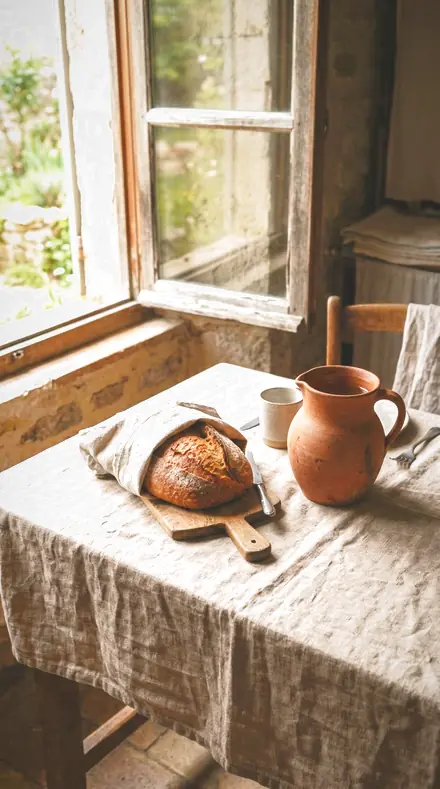
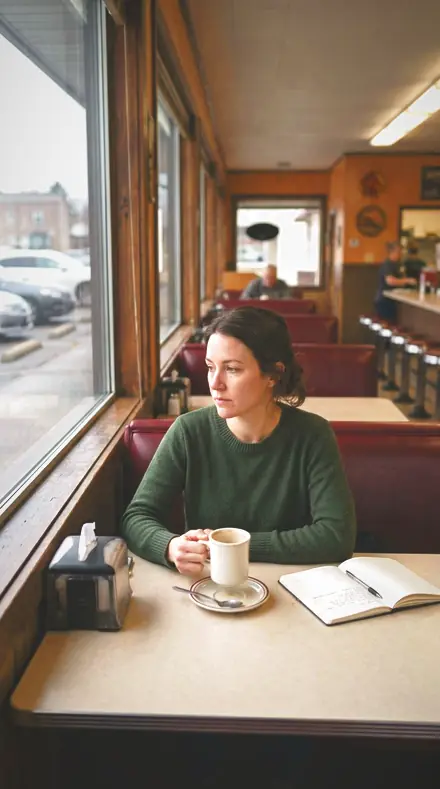
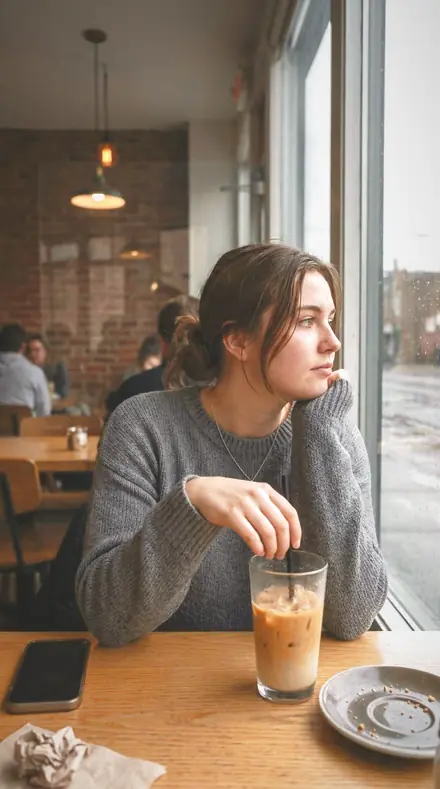
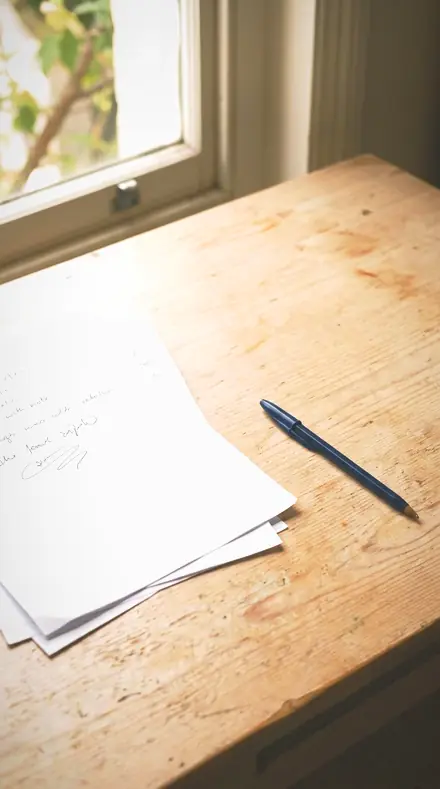
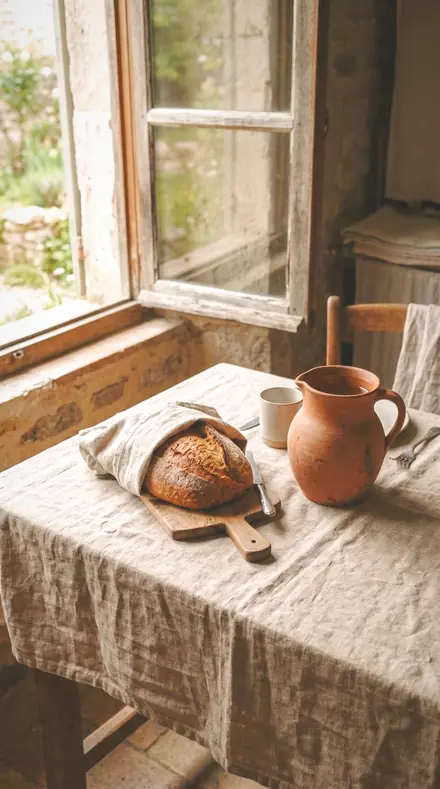
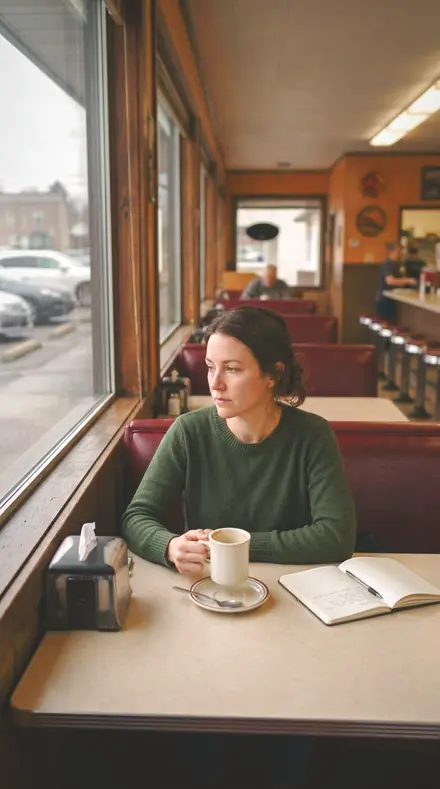
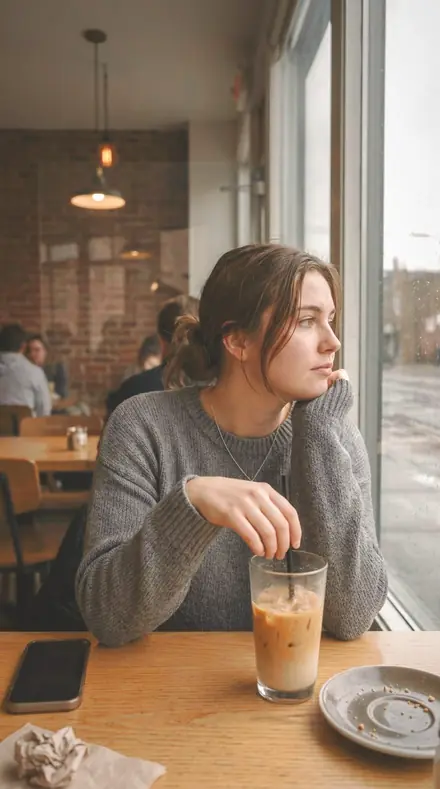
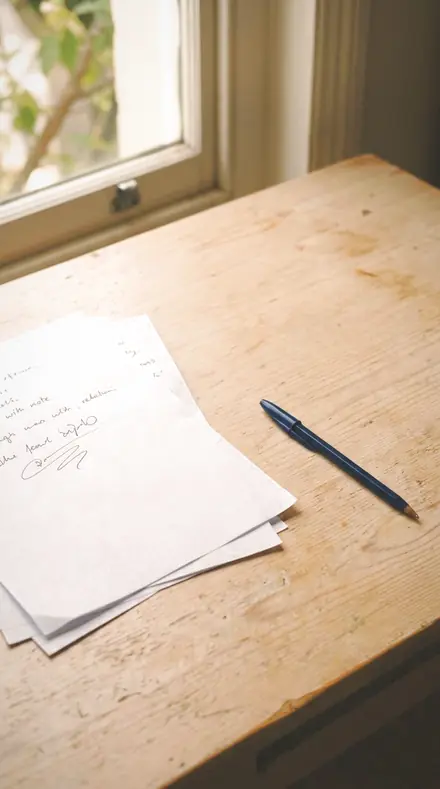
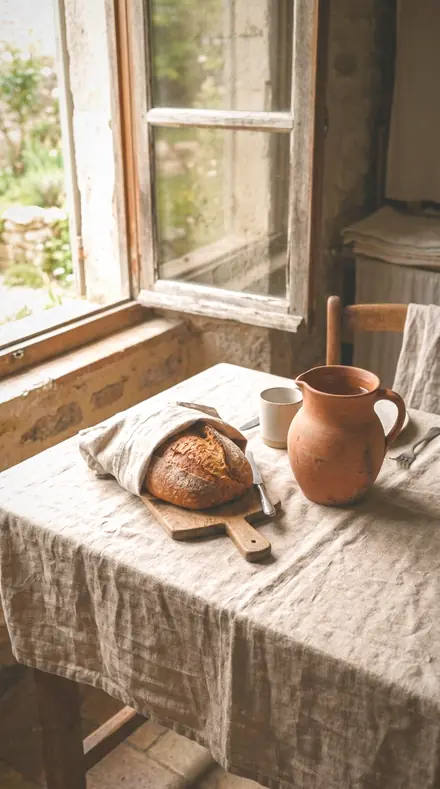
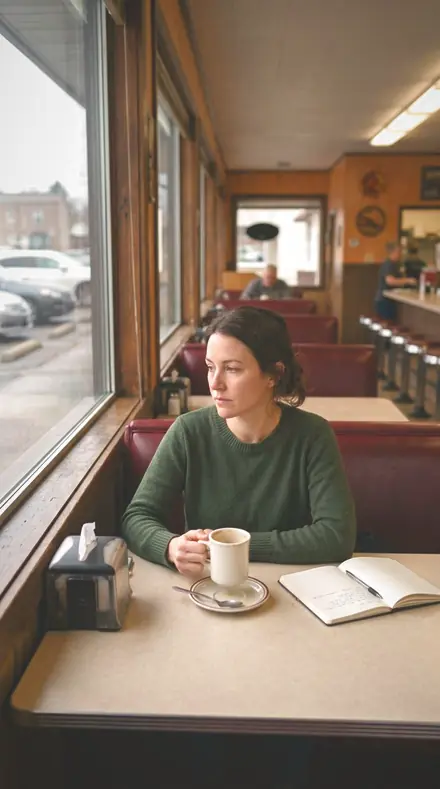
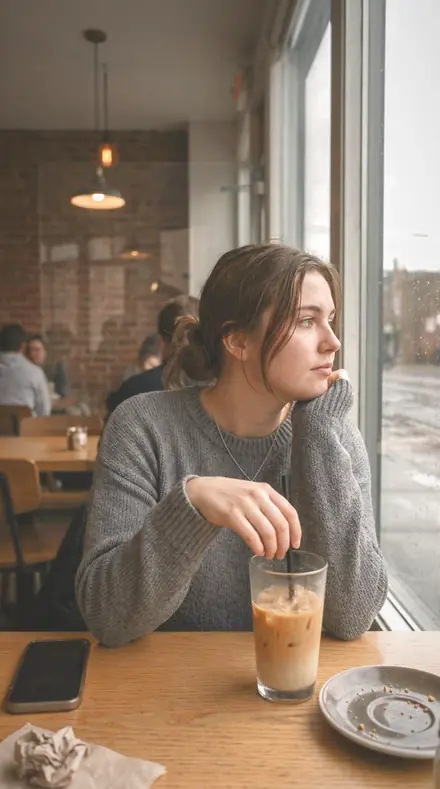
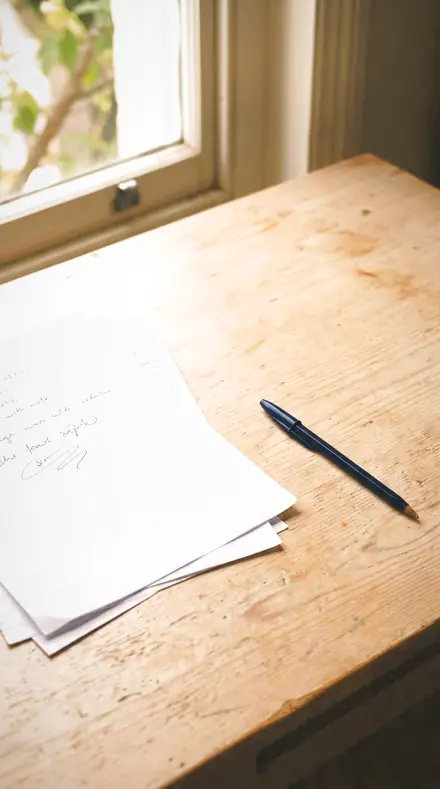
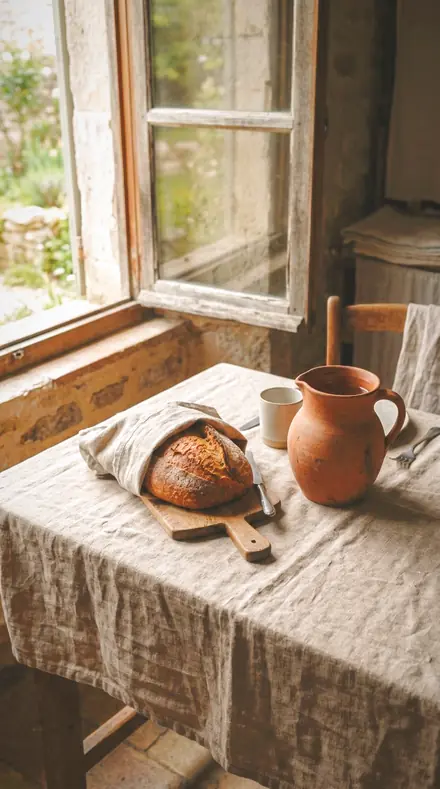
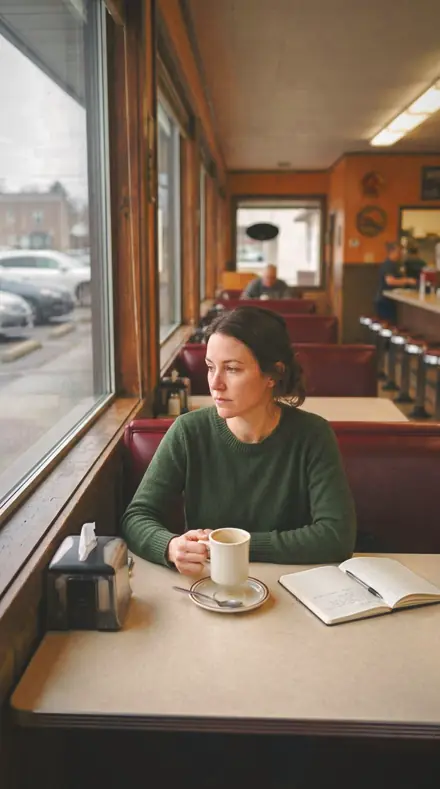
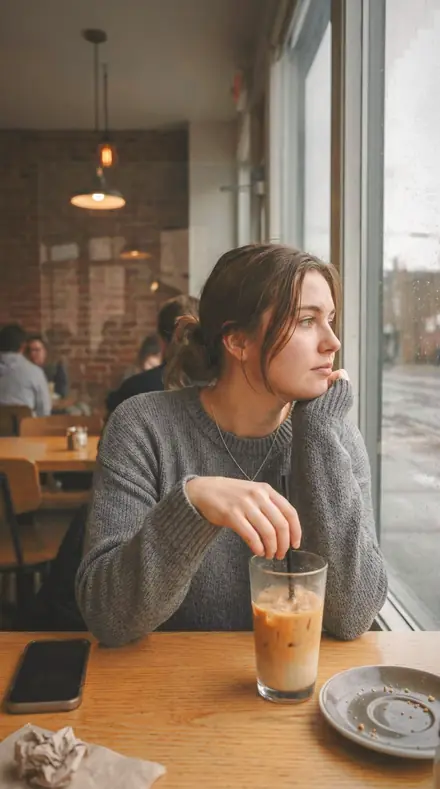
Surfaces and Evening
6 presetsBrass, marble and stone given their finish, then the room after dark.
day 02Brass Kickplatea brass kickplate given its own weight in the orange band while global saturation is held back, so the metal carries the colour and the room stays quiet
![Brass Kickplate applied to The table, warmed and settled]()
![Before: The table, warmed and settled]()
The table, warmed and settled ![Brass Kickplate applied to The booth, sheen off the glass]()
![Before: The booth, sheen off the glass]()
The booth, sheen off the glass ![Brass Kickplate applied to Daylight and lamps in one room]()
![Before: Daylight and lamps in one room]()
Daylight and lamps in one room ![Brass Kickplate applied to The desk, brass kept brass]()
![Before: The desk, brass kept brass]()
The desk, brass kept brass Drag the handle. Left is the original, right is Brass Kickplate. Rendered from the preset's own settings, not a Lightroom export, so the real thing carries a little more bite.
day 03Marble Floorpolished stone with highlights rolled off the floor sheen, shadows opened under the furniture and clarity eased so the marble reads smooth
![Marble Floor applied to The table, warmed and settled]()
![Before: The table, warmed and settled]()
The table, warmed and settled ![Marble Floor applied to The booth, sheen off the glass]()
![Before: The booth, sheen off the glass]()
The booth, sheen off the glass ![Marble Floor applied to Daylight and lamps in one room]()
![Before: Daylight and lamps in one room]()
Daylight and lamps in one room ![Marble Floor applied to The desk, brass kept brass]()
![Before: The desk, brass kept brass]()
The desk, brass kept brass Drag the handle. Left is the original, right is Marble Floor. Rendered from the preset's own settings, not a Lightroom export, so the real thing carries a little more bite.
day 06Chandelier Glowa fixture left glowing above the room, its highlights rolled off and the midtones warmed by the grading wheel so the glow spreads rather than burns
![Chandelier Glow applied to The table, warmed and settled]()
![Before: The table, warmed and settled]()
The table, warmed and settled ![Chandelier Glow applied to The booth, sheen off the glass]()
![Before: The booth, sheen off the glass]()
The booth, sheen off the glass ![Chandelier Glow applied to Daylight and lamps in one room]()
![Before: Daylight and lamps in one room]()
Daylight and lamps in one room ![Chandelier Glow applied to The desk, brass kept brass]()
![Before: The desk, brass kept brass]()
The desk, brass kept brass Drag the handle. Left is the original, right is Chandelier Glow. Rendered from the preset's own settings, not a Lightroom export, so the real thing carries a little more bite.
day 09Lobby Eveningevening in the lobby: highlights rolled off the shades, shadows opened across the seating and the whole frame warmed
![Lobby Evening applied to The table, warmed and settled]()
![Before: The table, warmed and settled]()
The table, warmed and settled ![Lobby Evening applied to The booth, sheen off the glass]()
![Before: The booth, sheen off the glass]()
The booth, sheen off the glass ![Lobby Evening applied to Daylight and lamps in one room]()
![Before: Daylight and lamps in one room]()
Daylight and lamps in one room ![Lobby Evening applied to The desk, brass kept brass]()
![Before: The desk, brass kept brass]()
The desk, brass kept brass Drag the handle. Left is the original, right is Lobby Evening. Rendered from the preset's own settings, not a Lightroom export, so the real thing carries a little more bite.
day 13Lobby Barthe lobby bar warmed on white balance, bottle glass held by rolled-off highlights and blues taken down so the room feels enclosed
![Lobby Bar applied to The table, warmed and settled]()
![Before: The table, warmed and settled]()
The table, warmed and settled ![Lobby Bar applied to The booth, sheen off the glass]()
![Before: The booth, sheen off the glass]()
The booth, sheen off the glass ![Lobby Bar applied to Daylight and lamps in one room]()
![Before: Daylight and lamps in one room]()
Daylight and lamps in one room ![Lobby Bar applied to The desk, brass kept brass]()
![Before: The desk, brass kept brass]()
The desk, brass kept brass Drag the handle. Left is the original, right is Lobby Bar. Rendered from the preset's own settings, not a Lightroom export, so the real thing carries a little more bite.
day 16Stone Veinveining in stone with clarity eased and texture kept modest, warmed so the cream in the marble stays cream
![Stone Vein applied to The table, warmed and settled]()
![Before: The table, warmed and settled]()
The table, warmed and settled ![Stone Vein applied to The booth, sheen off the glass]()
![Before: The booth, sheen off the glass]()
The booth, sheen off the glass ![Stone Vein applied to Daylight and lamps in one room]()
![Before: Daylight and lamps in one room]()
Daylight and lamps in one room ![Stone Vein applied to The desk, brass kept brass]()
![Before: The desk, brass kept brass]()
The desk, brass kept brass Drag the handle. Left is the original, right is Stone Vein. Rendered from the preset's own settings, not a Lightroom export, so the real thing carries a little more bite.
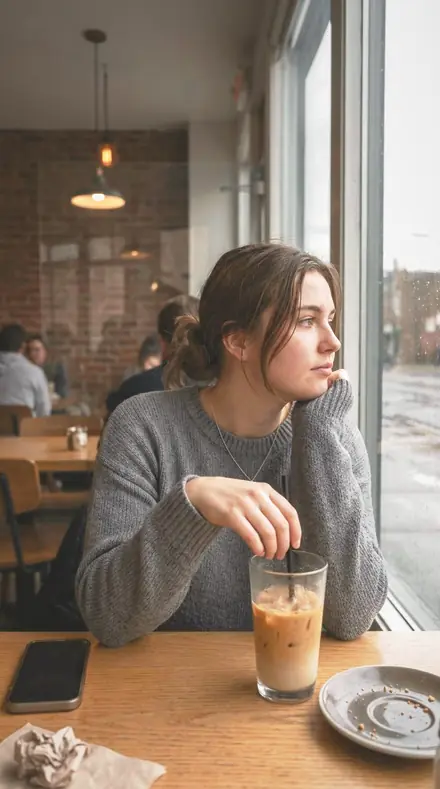
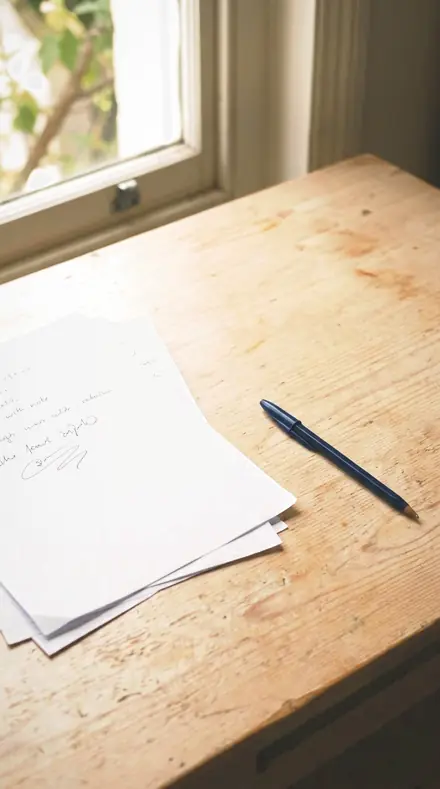
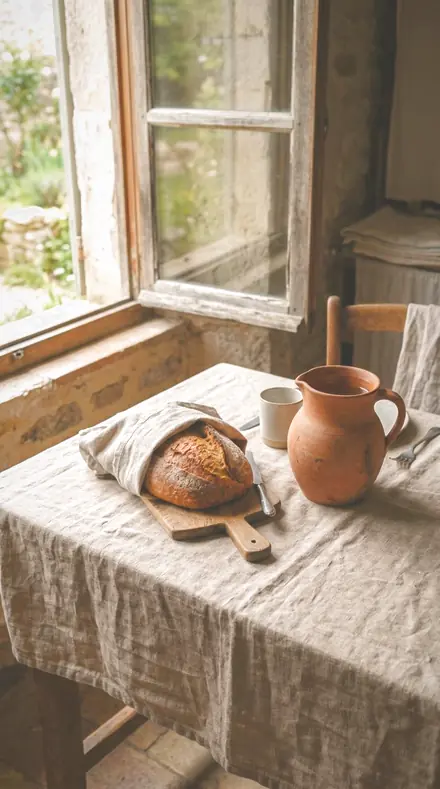
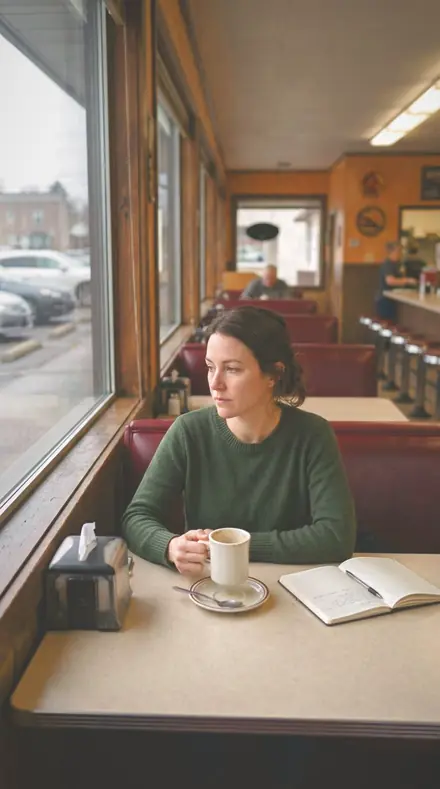
how it works
Yours in two minutes
- Buy the setCheckout takes a card; you get a receipt by email.
- Download instantlyThe preset files download right after payment. Re-download any time from your account.
- Import to LightroomOpen the files in the free Lightroom app (iOS or Android) or Lightroom Classic. Lightroom saves them as presets automatically.
- Tap a presetOne tap applies the full look. Every setting stays editable after.
- Single-user license. Yours to use in personal and client work.
- No redistribution. Don't resell or share the preset files themselves.
- Free app is enough. No Adobe subscription needed for Lightroom mobile.
- Keep it forever. Files live in your account for re-download.

the maker
Why I Make These
I am Netzah Elad Topaz. I take photographs and I build software, and the two keep leading me back to the same problem. You were there. The light was doing something you will not see again. Then the photo comes back flat, and it is not what you were looking at.
Closing that gap is the whole job. Every preset here is built from Adobe defaults by hand, with a written note for what it should do to a picture, and it is judged on real photographs before it ships. Nothing is a filter dropped on top of your work.
What I want is simple. You open a photo you almost gave up on, you tap once, and there it is: the day you remember, not the file your camera handed you. That is worth doing properly.
Netzah Elad Topaz, photographer and software builder
get it
Get Hotel Lobby
Hotel Lobby
$79.99
All 18 presets · one-time payment · instant download
Works in the free Lightroom app · keep forever
Instant download after payment. The download link is also sent to your email and stays available in your account.
questions
Asked and Answered
Will the whole room go orange?
No. The warmth sits on white balance and the highlight roll-off, and most presets pull global saturation back so the brass and the leather carry the colour. If a wall still leans orange, drop the orange saturation a step. The lamps will keep their glow.
Do these work in the free Lightroom app?
Yes. Import the .xmp files in the free Lightroom app on iPhone or Android, no subscription needed. They also work in Lightroom Classic and Lightroom on desktop.
What exactly do I get?
All 18 presets from Hotel Lobby as .xmp files in an instant ZIP download. The link also lands in your email, and the purchase stays in your account so you can re-download any time.
How do I install them?
Two minutes: unzip, then import inside Lightroom. The step-by-step guide covers iPhone, Android, and desktop.
Can I use them for client work?
Yes. The single-user license covers personal and commercial photography. The one thing you can't do is share or resell the preset files themselves.
Can I tweak a preset after applying it?
Always. A preset is a starting point; every slider stays yours to adjust.
What if it's not for me?
Before your first download we refund, no questions asked. After a download, sales are final except a technical fault we cannot fix or a duplicate charge. Details on the refunds page.